
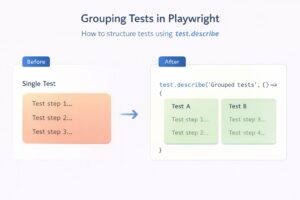
In our previous article on Playwright Testing Tutorial, we learned how to set up Playwright and write our very first test case. That test helped us understand the basics and get something running quickly. However, if you look closely, you’ll notice that the test we wrote is quite large and tries to cover multiple behaviours in a […]
Playwright
Playwright Automation Testing Tutorial
Playwright is a modern end-to-end automation testing framework built for fast, reliable, and scalable web testing. It is widely used by teams that need consistent cross-browser test execution, strong CI/CD integration, and minimal test flakiness. In this Playwright automation testing tutorial, you will learn how to install Playwright, understand its core concepts, and write your first […]
Run Playwright tests on different browsers
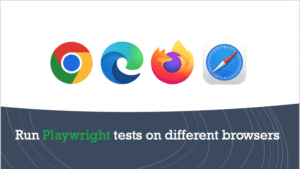
In our first article on Playwright Tutorial for Beginners, we covered how you can install playwright and write your first test script. After this, we saw the steps using which you can run your playwright tests on Firefox browser. We used this command to run the test script on Firefox browser – npx playwright test […]