
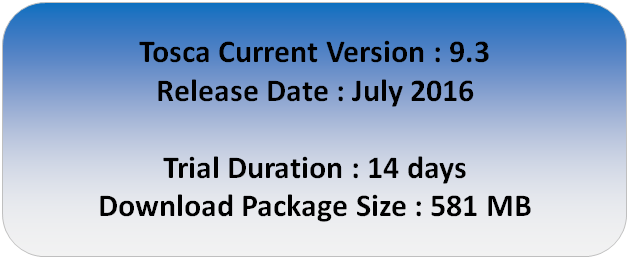
Dear friends, we are starting with a series of articles on Tricentis Tosca Testsuite, through which we plan to create a step by step learning guide for Tosca. As part of this Tosca Tutorial series, we have already covered an article on Introduction to Tosca, which covers the very basic aspect of what Tosca tool is all about. This article is all about how you can download Tosca from Tricentis website. Before we start with the download process, here is a quick snippet about the latest version of the tool.
Step by step guide to download Tosca
Follow the below steps to download Tosca from Tricentis website –
1) Open Tricentis Tosca Testsuite Trial URL – http://www.tricentis.com/tricentis-tosca-testsuite/trial/
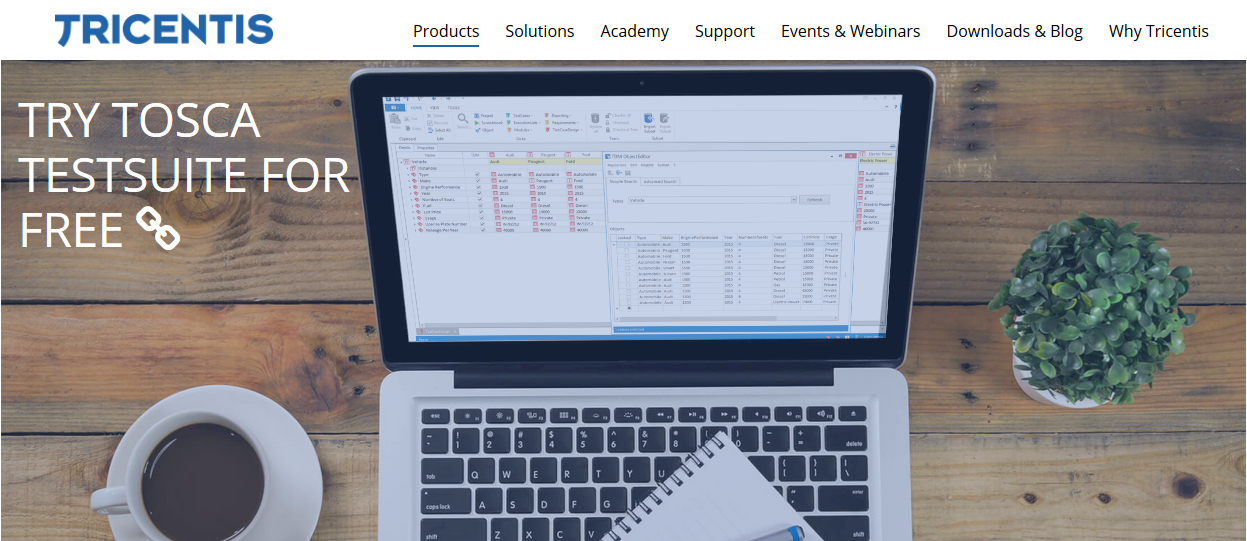
2) Scroll down a bit on the page. You will see the section where you can enter your email id.
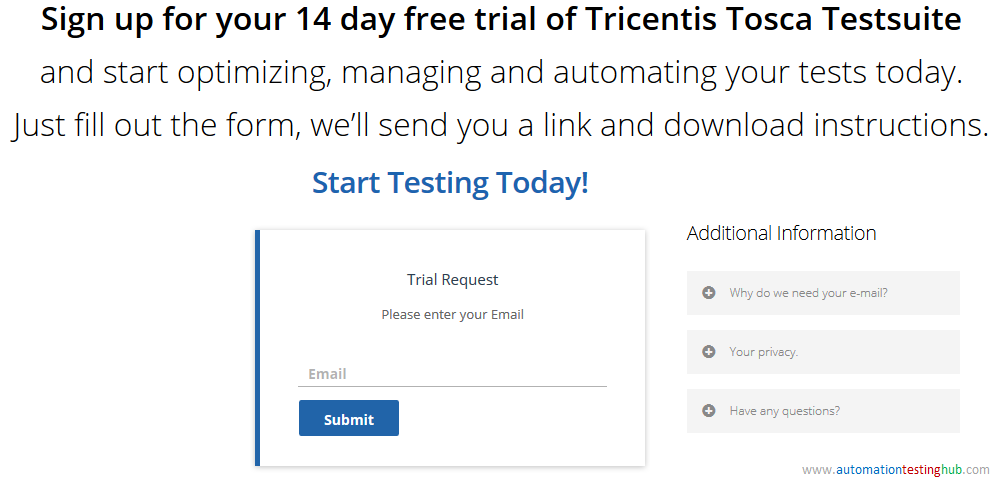
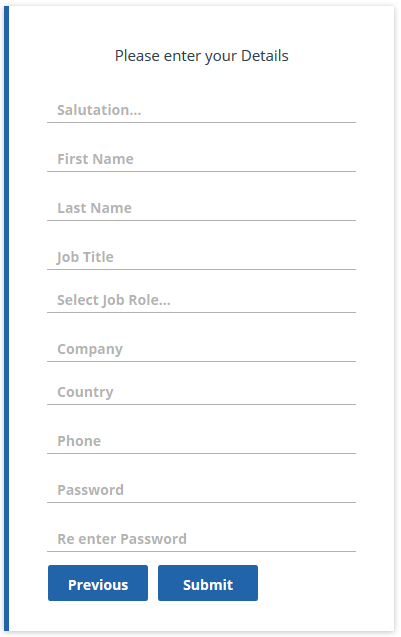
3) Enter your Email Id and click on Submit button. After that the form will ask for few more details to be filled. Enter all the details and click on Submit button again.
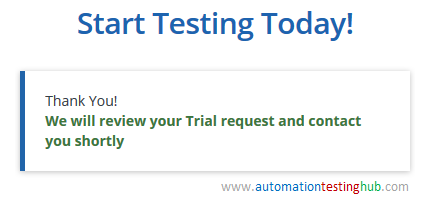
4) After clicking on Submit, you will see the message as given below.
5) Check your email inbox. You would have received an email from trial@tricentis.com.
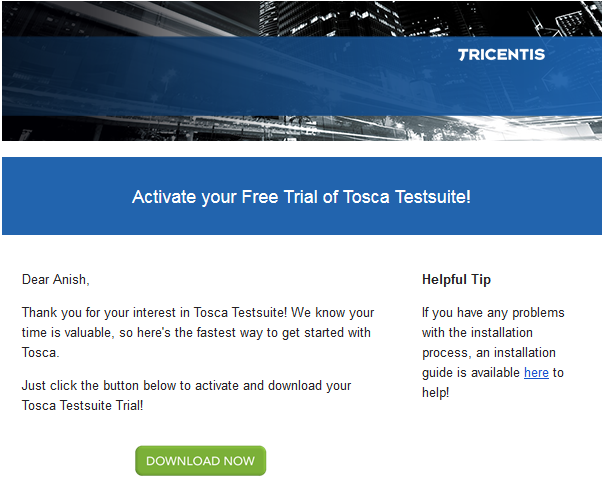
6) Click on Download Now button from the email. You will see the popup window to save the trial version. Also, you will be navigated to the Quick Start page where you will get some generic details regarding the download such as system requirements, trial version information and guided example.
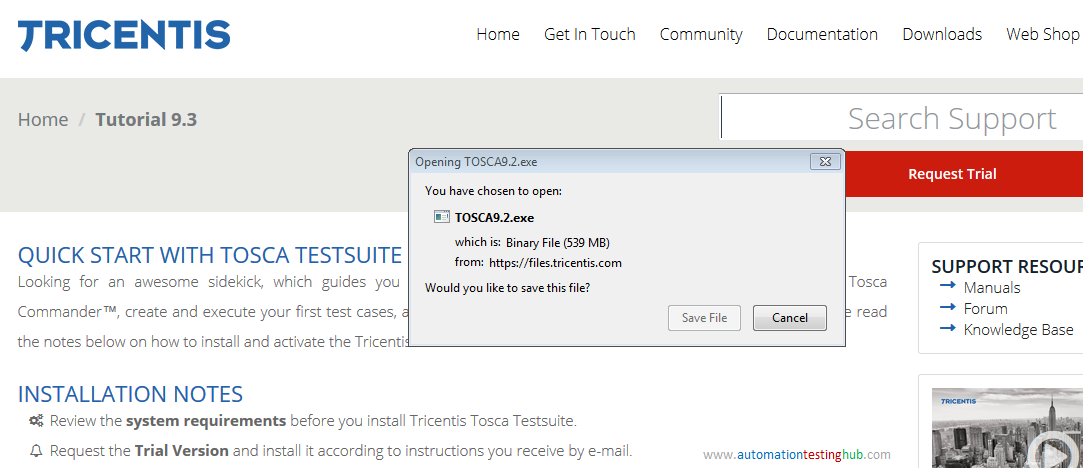
7) Once the tool is downloaded, you can extract the zip file and then install Tosca. We will cover the Tosca Trial version installation process in a separate article.
This completes the article on downloading the trial version of Tosca. Please let us know your thoughts on this using the comments section. You can also contact us if you face any issues with Tosca download.
As we had mentioned in the beginning, we are working on a tutorial series on Tricentis Tosca. You can subscribe to our blog to get new articles delivered directly to your inbox.