
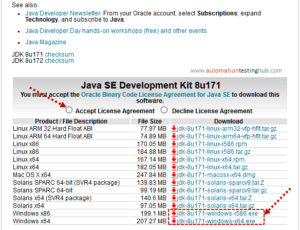
This article walks you through the process of downloading and installing Java as part of the initial setup for test automation. If you are starting with browser automation using Selenium or mobile automation using Appium, Java is one of the essential prerequisites. It is the programming language used throughout our Selenium and Appium tutorial series to write and […]
Download and Install – Node.js and NPM
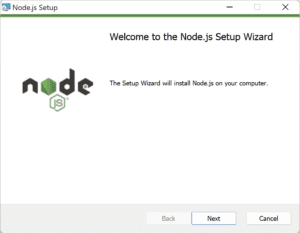
Welcome to this pre-requisite article in our Playwright automation tutorial series. Before you can install Playwright and start writing automated tests, you need to set up your machine with the correct runtime and tooling. For Playwright JavaScript and TypeScript projects, this means installing Node.js and npm. This guide shows you how to download and install Node.js on Windows and macOS, choose the […]
Download Appium Inspector for Windows & Mac [Updated 2026]
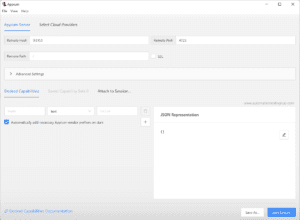
Welcome! This article is part of our step-by-step “Appium Tutorial for Beginners” series. Today, you’ll learn how to download and install Appium Inspector on Windows & Mac – complete with screenshots and setup instructions. 🔍 At a glance: What Appium Inspector is and its different formats How to install Appium Inspector on Windows and Mac Common […]
How to Group Tests in Playwright using test.describe
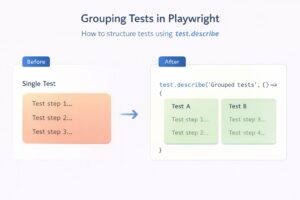
In our previous article on Playwright Testing Tutorial, we learned how to set up Playwright and write our very first test case. That test helped us understand the basics and get something running quickly. However, if you look closely, you’ll notice that the test we wrote is quite large and tries to cover multiple behaviours in a […]
Playwright Automation Testing Tutorial
Playwright is a modern end-to-end automation testing framework built for fast, reliable, and scalable web testing. It is widely used by teams that need consistent cross-browser test execution, strong CI/CD integration, and minimal test flakiness. In this Playwright automation testing tutorial, you will learn how to install Playwright, understand its core concepts, and write your first […]
Find appPackage and appActivity in Appium (2 working methods | Android)
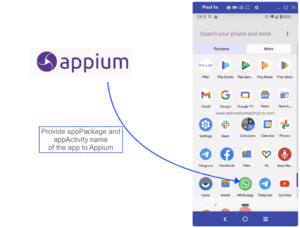
When you write automation test scripts with Appium, the first step is almost always the same – launch the app you want to test, and then perform some actions on it. For example, let us suppose that you are testing WhatsApp. Your automation test script needs to open WhatsApp and then perform actions such as sending […]